Can I translate my templates?
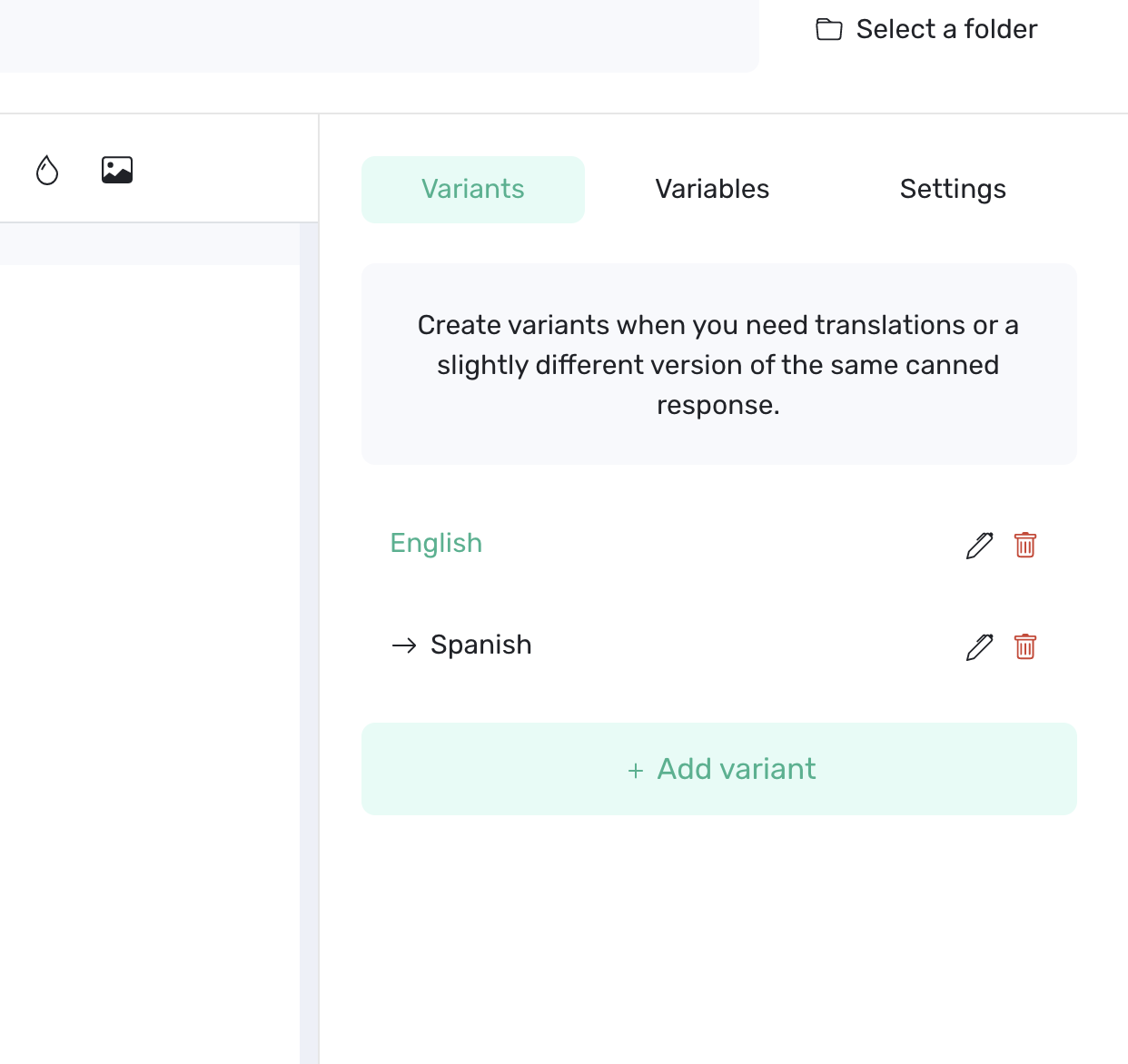
Yes. You can organize translated versions of a template by creating language variants.
For example, one template could contain:
- English
- Spanish
- French
To add a translation:
- Open the template.
- Select the Variants tab.
- Rename the original variant with its language.
- Select Add variant.
- Name the new variant after the second language.
- Enter the translated content.
- Save the template.
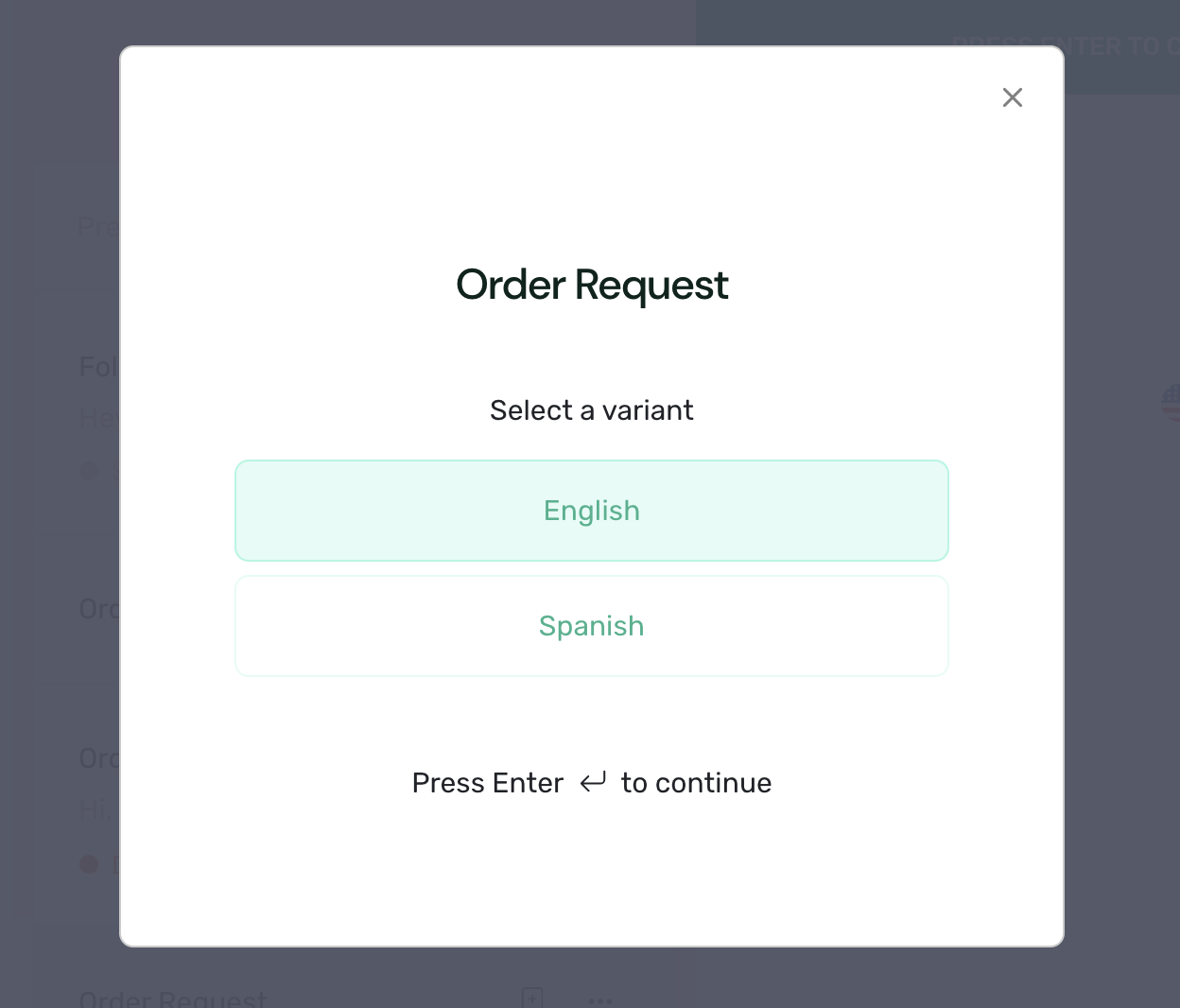
When you use the template, Typedesk asks which variant you want to insert.
Creating and naming a language variant does not automatically translate the text. The translated content must be added to that variant.
For team libraries, use consistent language names and have customer-facing translations reviewed before sharing them. "Close enough" is rarely charming in another language.
Need more help?
Send us an email or chat with us using the button below. Our team will get back to you as quickly as possible!
Ask our community
Join our private Facebook group where you can ask tips and tricks to other typedesk users!



