How can I insert a random value?
The Random value variable chooses one item from a list you create.
It can be useful for varying:
- Greetings
- Opening sentences
- Sign-offs
- Short promotional messages
- Other interchangeable pieces of text
To create one:
- Open the template editor.
- Go to the Variables panel.
- Select Random value.
- Enter all the possible values.
- Save the variable and the template.
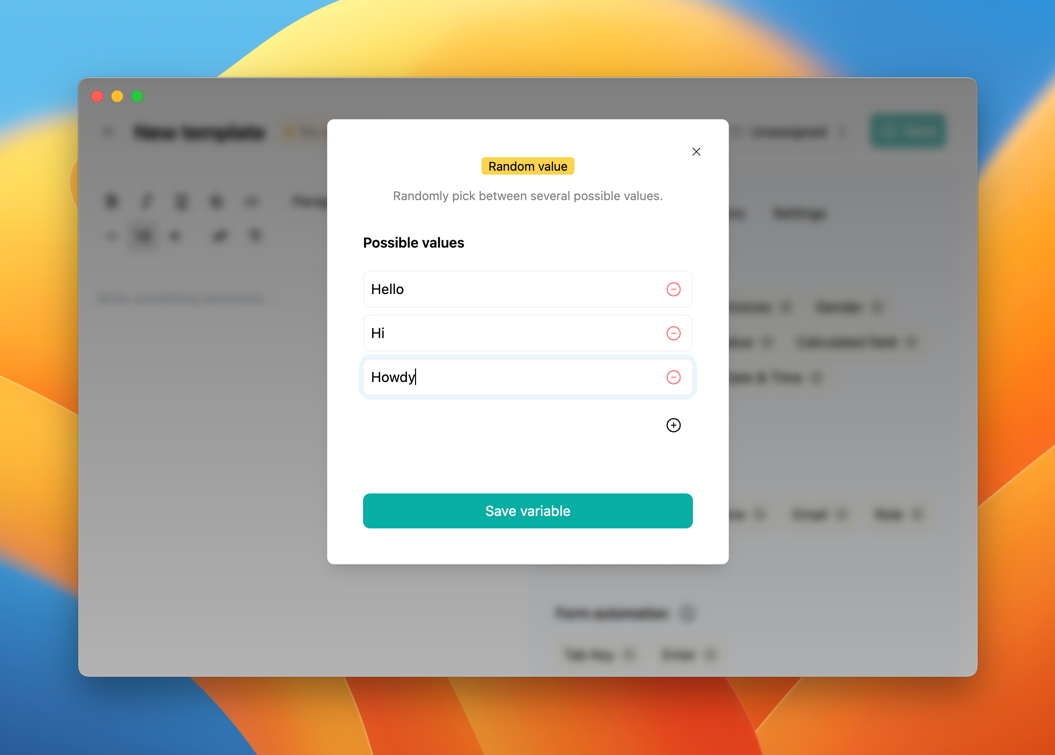
Each time the template is used, Typedesk randomly chooses one of the values.
Random selection is not the same as an ordered rotation. The same value may appear more than once before another one is selected. Random likes to keep things interesting.
Avoid using this variable when a particular answer must be chosen for legal, billing, safety, or customer-account reasons.
Need more help?
Send us an email or chat with us using the button below. Our team will get back to you as quickly as possible!
Ask our community
Join our private Facebook group where you can ask tips and tricks to other typedesk users!



