What is a variant?
A variant is an alternative version of the same template.
Variants are useful when the purpose of the message stays the same but the wording changes. For example, you can create variants for:
- Different languages
- Formal and friendly tones
- Different products or services
- Different customer types
- Different stages of a workflow
To create one:
- Open the template editor.
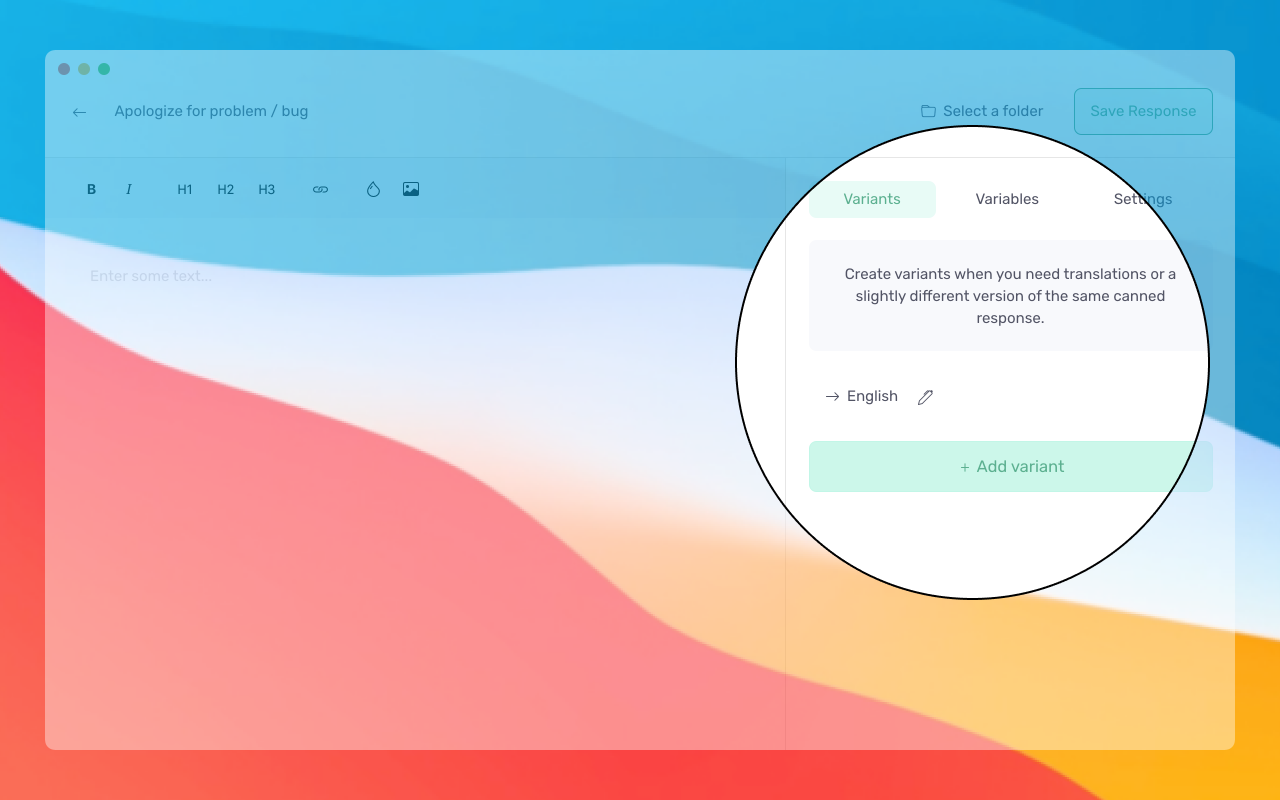
- Select the Variants tab.
- Rename the existing variant if needed.
- Select Add variant.
- Give the new variant a clear name.
- Add the alternative content.
When a template has multiple variants, Typedesk asks which version you want to use.
Variants keep related messages together, so your template library does not become a parade of nearly identical copies.
Creating a variant does not automatically rewrite or translate its content. You add and maintain the content for each version.
Need more help?
Send us an email or chat with us using the button below. Our team will get back to you as quickly as possible!
Ask our community
Join our private Facebook group where you can ask tips and tricks to other typedesk users!



